Slack
Use a Slack app when a Slack MCP integration asks for a Slack Client ID and Client Secret.
See Overview for prerequisites and secret-handling guidance.
Create The Slack App
-
Open the Slack app dashboard and click Create New App.
-
Choose From scratch, enter an app name, and select the workspace that should own the app.
-
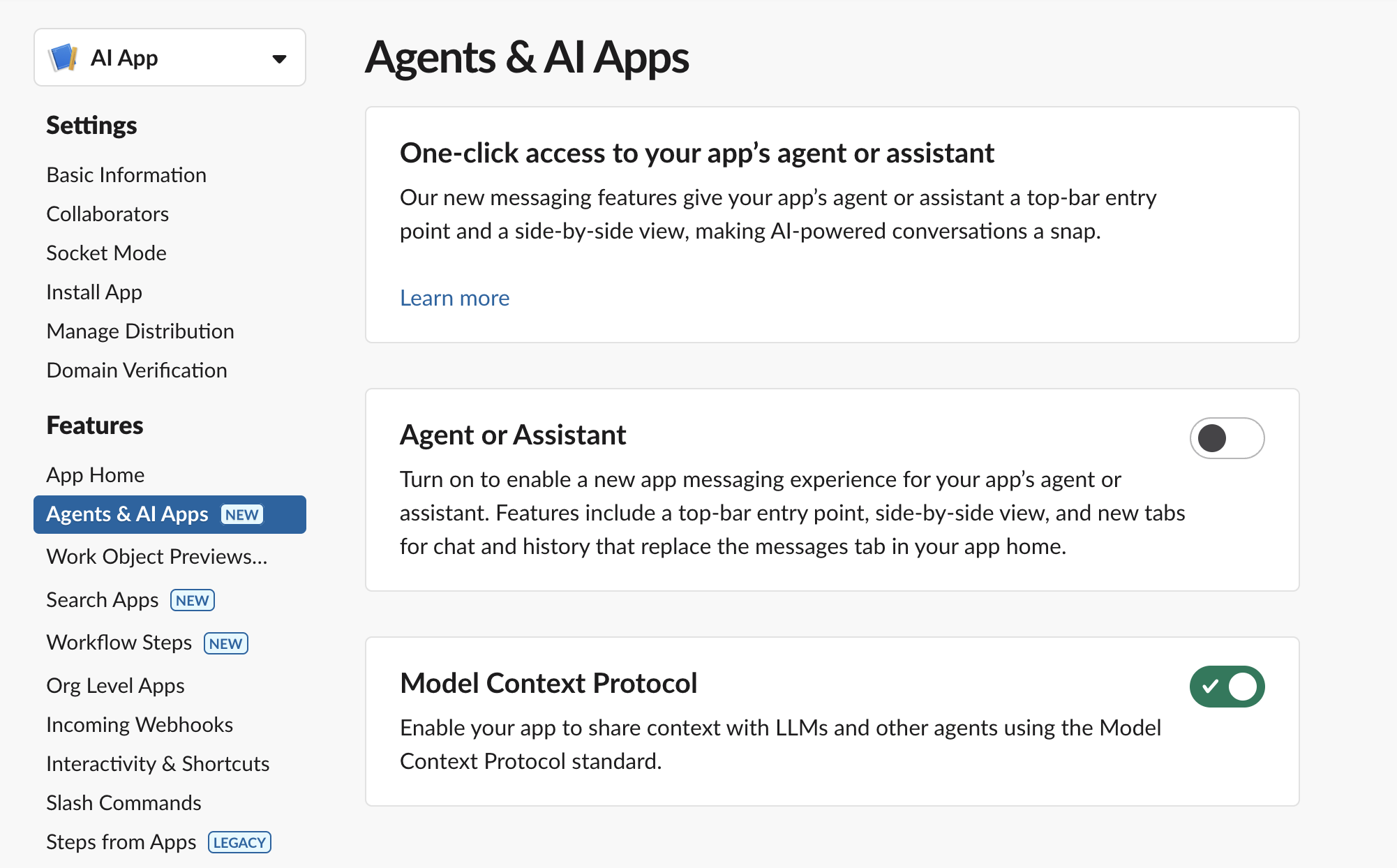
Open Agents & AI Apps and turn on the Model Context Protocol feature.
-
Open OAuth & Permissions.
-
Under Redirect URLs, click Add New Redirect URL, paste the QuilrAI callback URL, and save.
-
Under User Token Scopes, add the scopes required by the Slack MCP tools you plan to enable.
-
If you also run an in-Slack bot experience, add those bot scopes separately under Bot Token Scopes. Slack MCP tool permissions are granted on the user token.
-
Open Basic Information.
-
Under App Credentials, copy the Client ID and Client Secret.
-
Paste those values into the QuilrAI manual OAuth setup screen, then click Connect and authorize Slack.
User-Token Scopes
Keep In Mind
- Use Client Secret, not Signing Secret. The signing secret is for verifying Slack events and is not used as the OAuth client secret.
- Slack requires MCP clients to be backed by a registered Slack app. Only internal apps or Slack Marketplace-published apps can use MCP; unlisted apps cannot use MCP.
- Slack's MCP server uses user tokens for tool access. Add only the scopes needed by the tools you enable in QuilrAI.
- For a single internal workspace, the app can stay private to that workspace.
- If the same Slack app must be installed across multiple workspaces, configure Slack app distribution before sharing the install flow.
- Slack redirect URLs must match the URL used by the OAuth flow. If QuilrAI shows a new callback URL later, add it to Slack before reconnecting.