
Alerts

Get notified when an app's gateway calls fail above a threshold over a recent window.

Open the app's Settings > Alerts (under Optimization & policy). Alerts are off for new apps and stay app-managed when the Policy Engine is on.
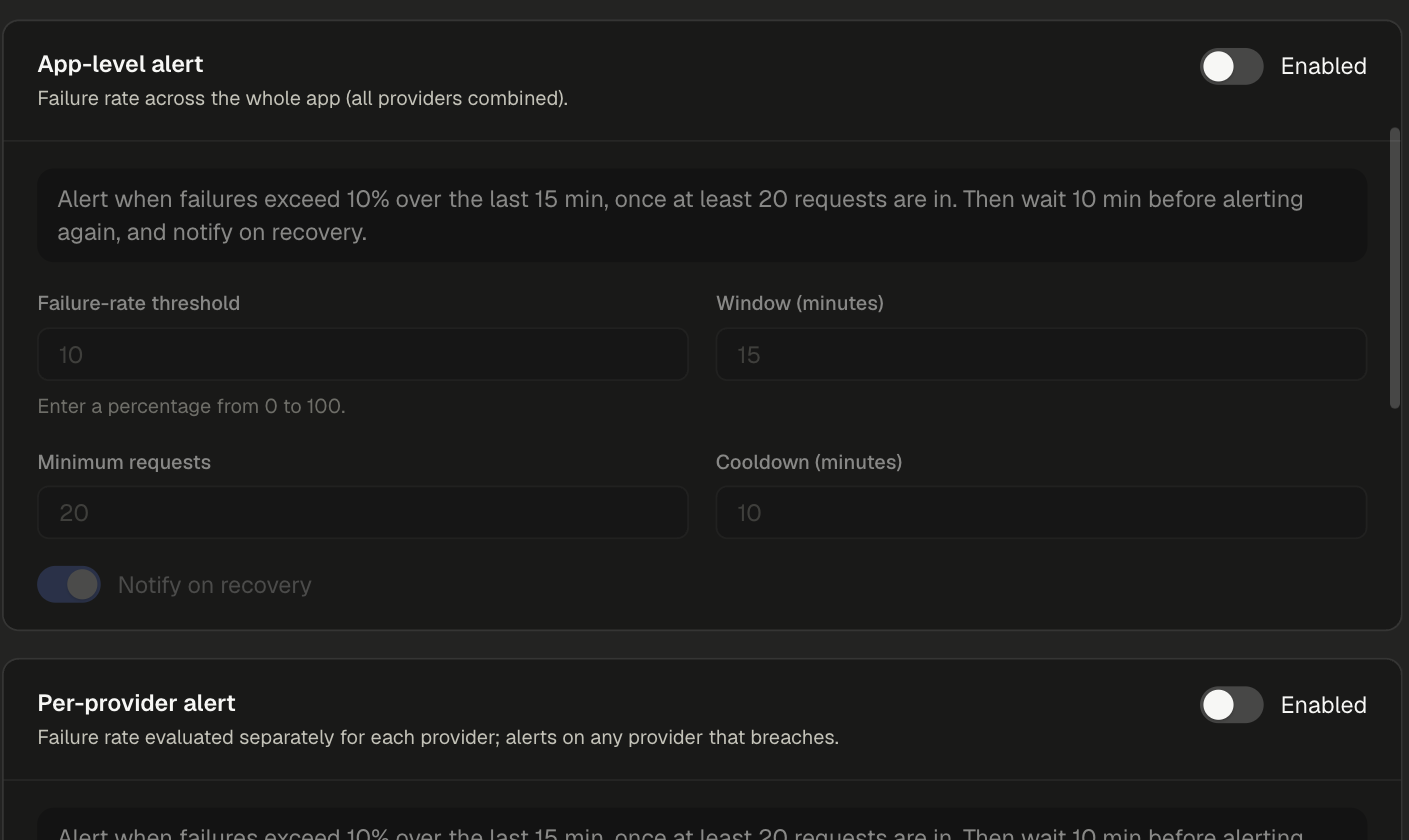
Alerts section with the App-level alert and Per-provider alert cards, each showing threshold, window, minimum requests, cooldown and Notify on recovery

Alert types​

TypeEvaluates
App-level alertFailure rate across the whole app, all providers combined.
Per-provider alertFailure rate for each provider separately. Fires for any provider that breaches.

Turn on either or both. Each card shows a plain-language summary of its rule, for example: "Alert when failures exceed 10% over the last 15 min, once at least 20 requests are in. Then wait 10 min before alerting again, and notify on recovery."

Settings​

SettingDefaultMeaning
Failure-rate threshold10Percentage of failed calls (0 to 100) that triggers the alert.
Window (minutes)15How far back the failure rate is measured.
Minimum requests20Calls needed in the window before the rule is evaluated, so a few early failures do not alert.
Cooldown (minutes)10Wait before alerting again for the same rule.
Notify on recoveryOnSend a follow-up when the failure rate drops back below the threshold.

Notification channels​

Both alert types deliver to the same channels:

ChannelHow to set it
Alert emailsComma-separated recipient addresses.
WebhooksAdd webhook and paste the URL. Webhook URLs are encrypted at rest and used only for this app's alerts.

Select Save settings to apply.

  • Rate and Token Limits - limits that return 429 before a call reaches the provider.
  • Request Routing - spread traffic across providers so one failing provider does not stop the app.