Data & Adversarial Risks
This card lives in Policy Engine > LLM Gateway at web.quilr.ai/policy. Edits join the shared draft and take effect once you review and publish a revision.
Decide what happens when PII, PHI, financial data, secrets, prompt attacks or your own custom detections appear in a model request or response.
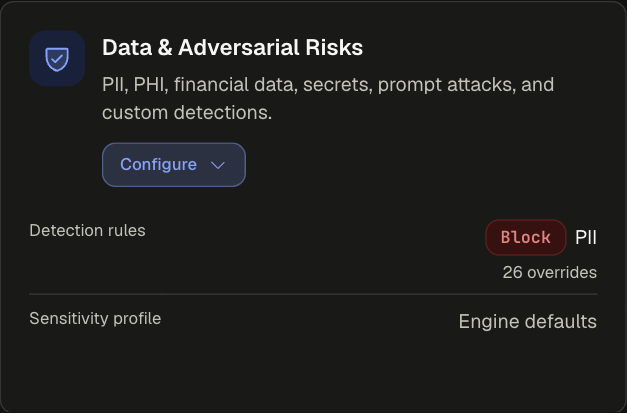
Sections
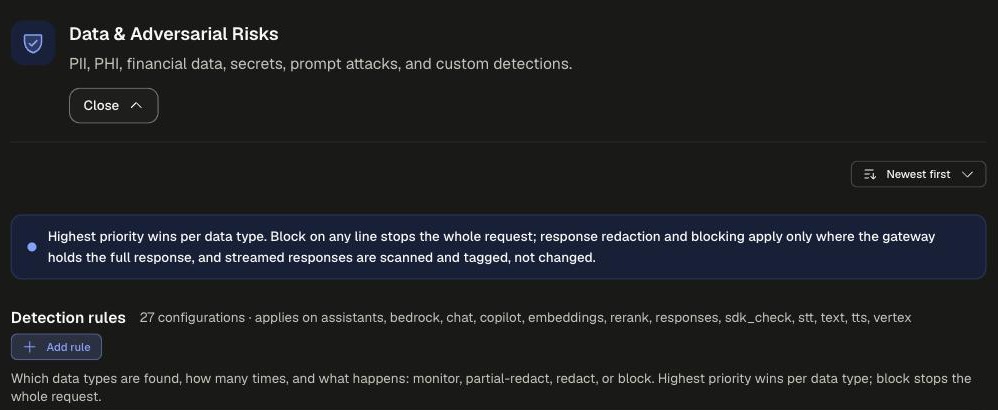
Applies on assistants, bedrock, chat, copilot, embeddings, rerank, responses, sdk_check, stt, text, tts and vertex.
Detection rule settings
Add rule opens the New data rule dialog.
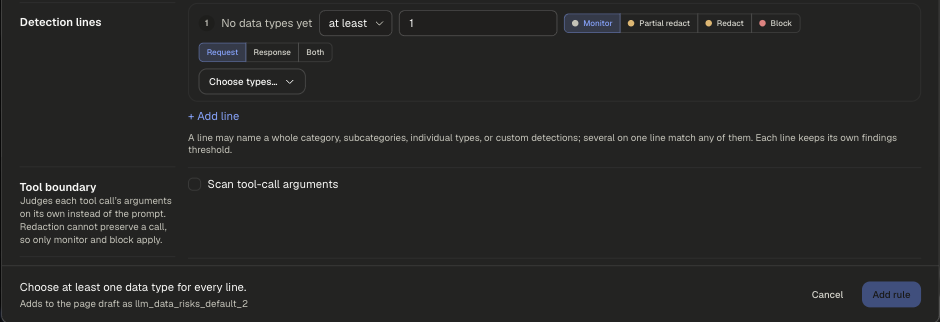
Add more detection lines to one rule with + Add line. Each line keeps its own types, threshold, action and stage.
Example
runs on requestpriority 900
Start new detections on monitor, review activity, then raise the action.
Scoping and precedence
- Applies to: Everyone, People, Smart group, Application, App tag, Requested model, Provider, API surface, Environment, Prompt complexity, Prompt text, Tool, Source network, or Except.... Every chip must match; values accept
*and?. - Everyone is priority 500. Narrower scopes win over it.
- Highest priority wins per data type. At equal priority the more restrictive action wins.
redactandpartial-redactrewrite only the findings their own rule selected.
More examples, the full data type catalog and multi-rule configurations: LLM Gateway Policies.
Legacy app setting
Replaces the data risks, adversarial risks and precision detections parts of an app's Security Guardrails. Custom detections themselves are still defined per app under Custom Intents.