Routing Groups & Fallbacks
This card lives in Policy Engine > LLM Gateway at web.quilr.ai/policy. Edits join the shared draft and take effect once you review and publish a revision.
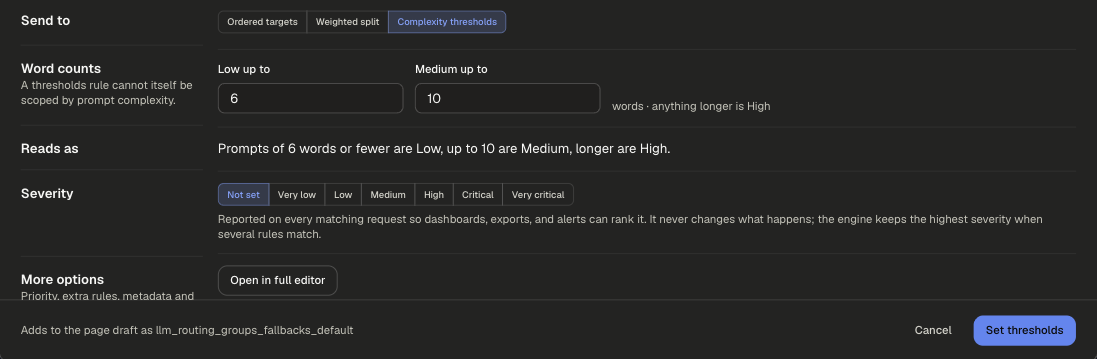
Decide where a request is served: an ordered fallback chain of provider credentials, a weighted split across models, or word-count thresholds that classify prompts as Low, Medium or High complexity.
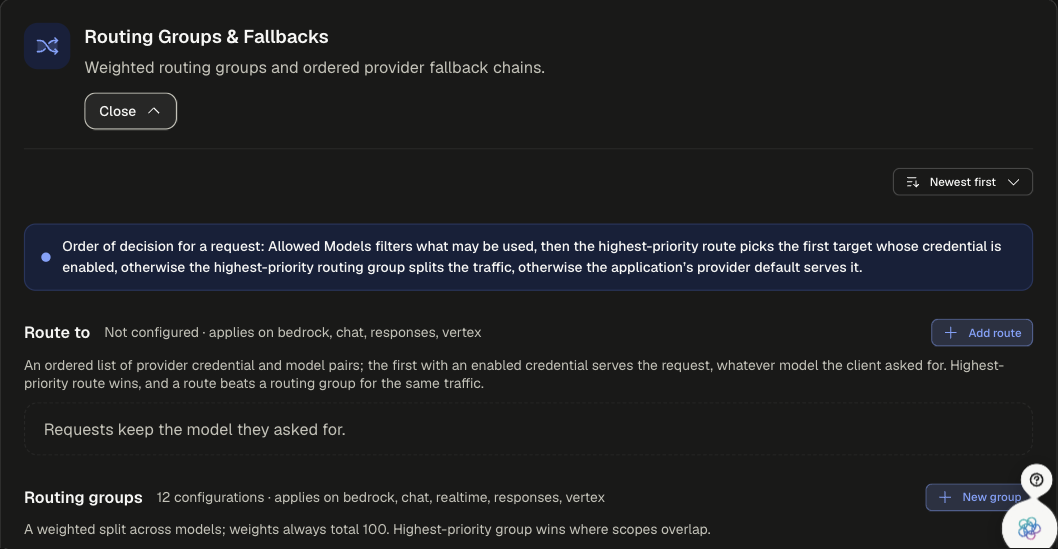
Order of decision
A route beats a routing group for the same traffic. If neither matches, the application's provider default serves the request, and the request keeps the model it asked for.
Sections
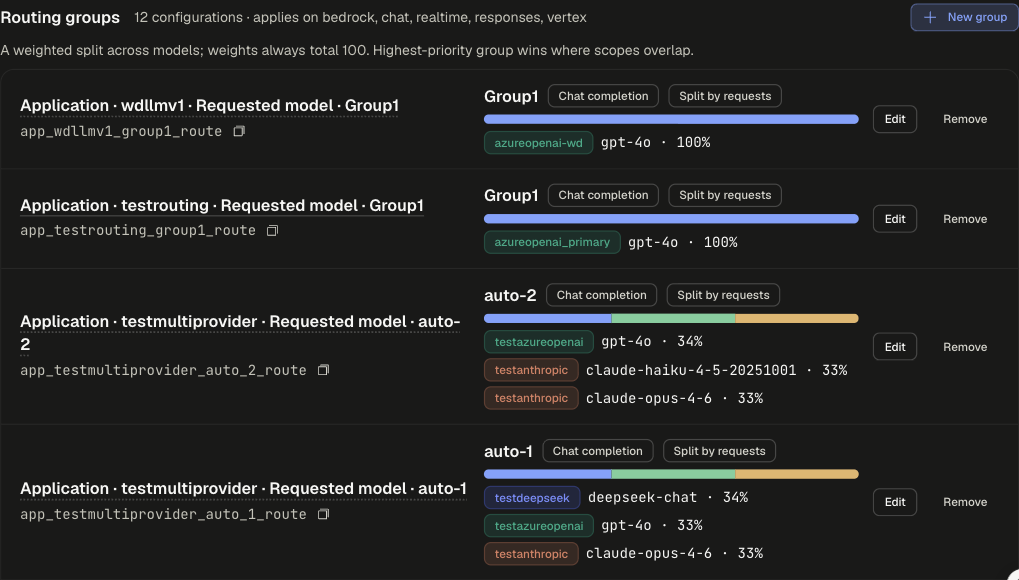
Configuration settings
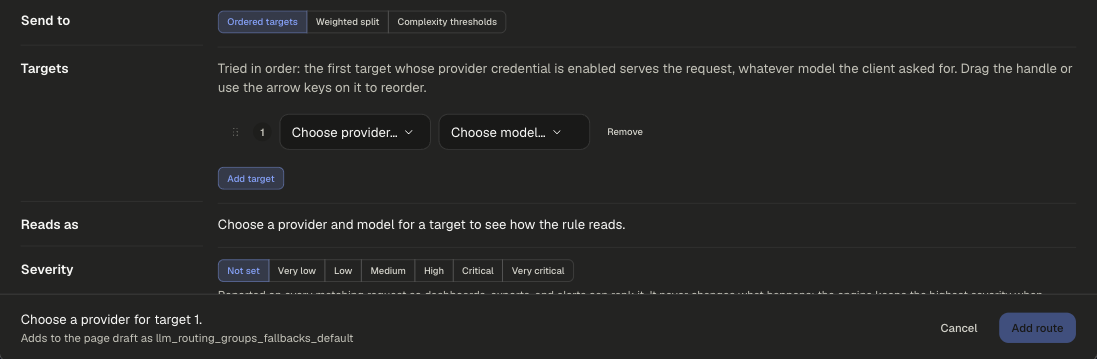
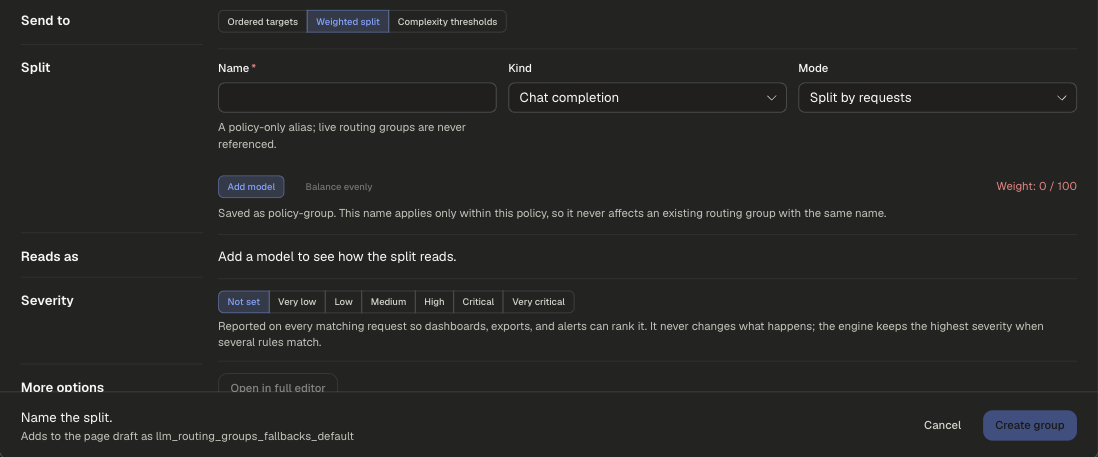
All three buttons open one New Routing Groups & Fallbacks configuration dialog. Send to picks the mode.
Ordered targets (Route to)
Weighted split (Routing groups)
Complexity thresholds
Examples
runs on requestpriority 500
OpenAI serves every Support Copilot request. If that credential is disabled, Azure OpenAI takes over.
runs on requestpriority 600
Short prompts go to a cheaper model. Combine with Complexity thresholds to change what counts as short.
Scoping and precedence
- Highest priority wins where scopes overlap. New configurations start at 500.
- Rejected models on Allowed Models still win over a route or group target.
Legacy app setting
Request Routing in the app's settings.