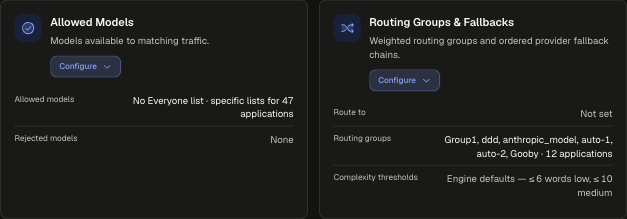
Allowed Models
This card lives in Policy Engine > LLM Gateway at web.quilr.ai/policy. Edits join the shared draft and take effect once you review and publish a revision.
Choose which models matching traffic may call, and which models nobody in scope may call. A request for a model outside the effective list is rejected at the gateway.
How lists combine
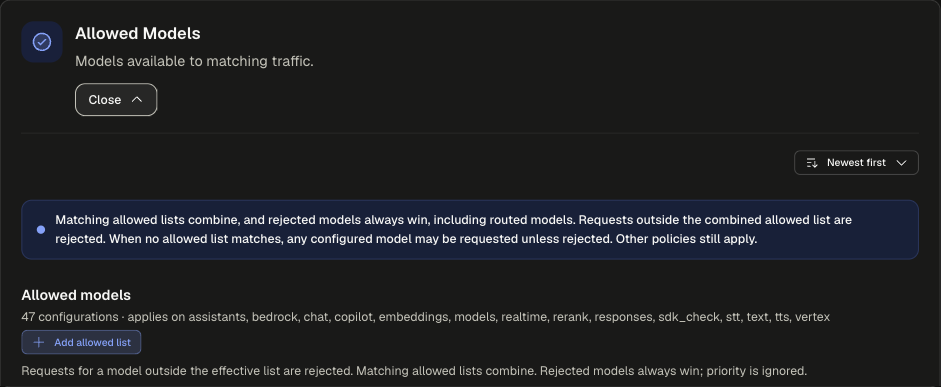
- Allowed lists combine. Every allowed list that matches a request is merged, and the request may use any model in the union.
- Rejected models always win, including models reached through routing. Priority is ignored for both lists.
- No matching allowed list means any configured model may be requested unless it is rejected.
- Other policies still apply. Allowing a model does not bypass identity, access, budget or limit checks.
Sections

Both sections apply on assistants, bedrock, chat, copilot, embeddings, models, realtime, rerank, responses, sdk_check, stt, text, tts and vertex.
Configuration settings
Both buttons open the same New Allowed Models configuration dialog. Leave Allowed models empty to add only rejections.
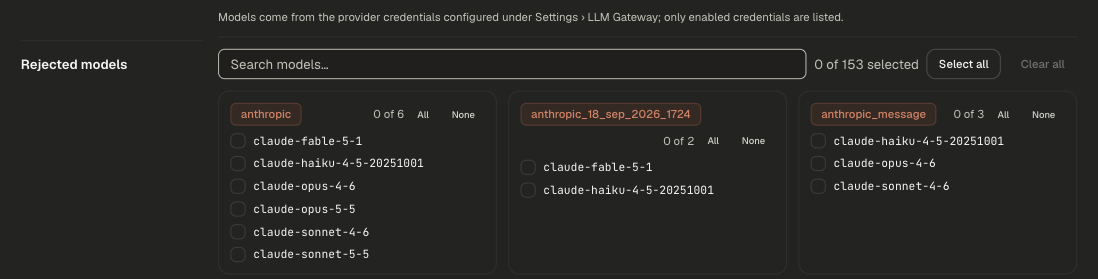
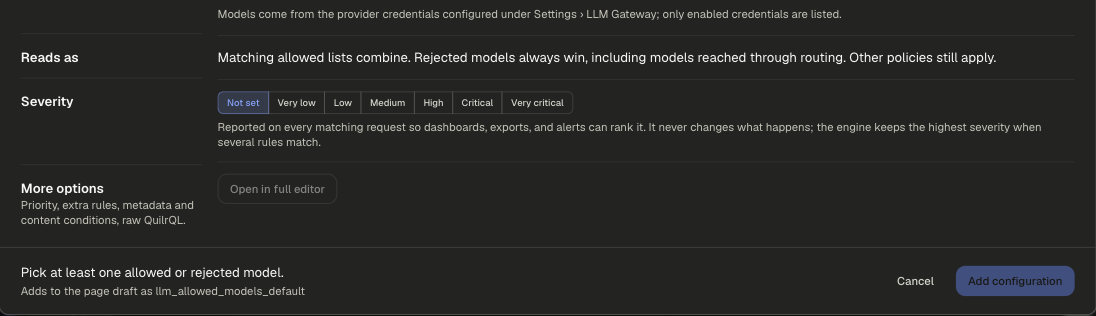
An allowed list scoped to Everyone restricts every application and user to that list. Choose Application or another scope to limit who it affects.
Examples
runs on requestpriority 500
Support Copilot may only call the two listed models. A request for gpt-4o is rejected.
runs on requestpriority 500
No one may call the preview models, even through an app whose allowed list includes them or a routing group that targets them.
Scoping and precedence
- New configurations start at priority 500. Priority does not matter on this card: allowed lists union and rejections always win.
- The card runs before routing. Allowed Models filters what may be used, then Routing Groups & Fallbacks picks where the request goes.
Legacy app setting
An app's usable models come from the providers linked to it. See Link providers to an app.