Prompt Store and Enforcement
V2 console
This card lives in Policy Engine > LLM Gateway at web.quilr.ai/policy. Edits join the shared draft and take effect once you review and publish a revision.
Require matching requests to use an approved system prompt from the Prompt Store. The prompts themselves are managed in the Prompt Store.
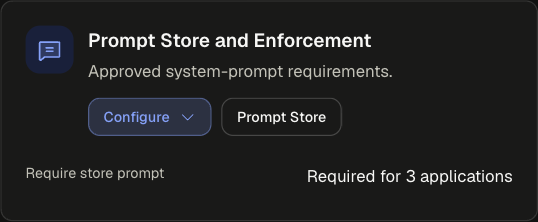
The Prompt Store button on the card opens the store, where you create and edit the prompts that requests reference.
Sections
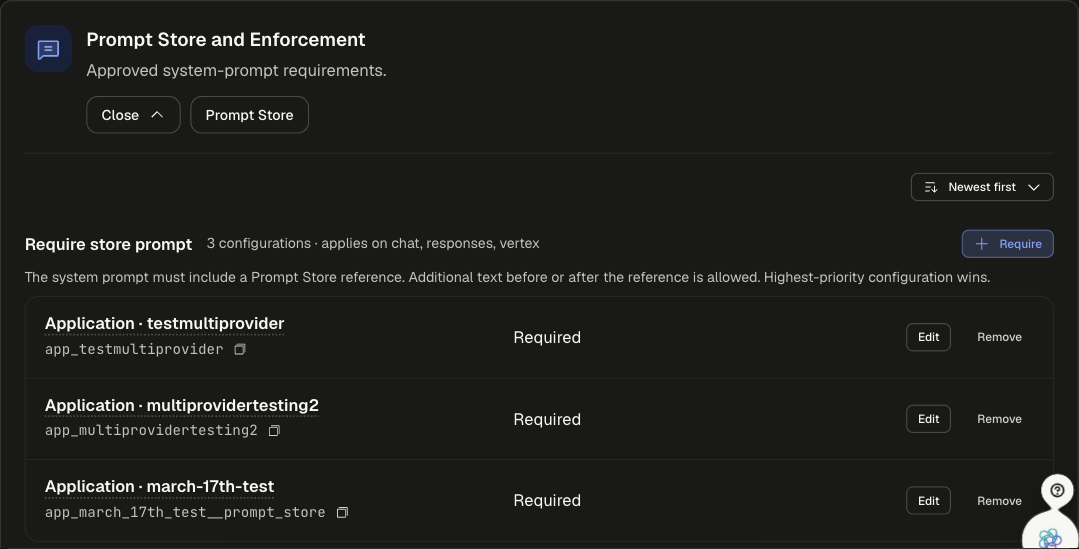
Configuration settings
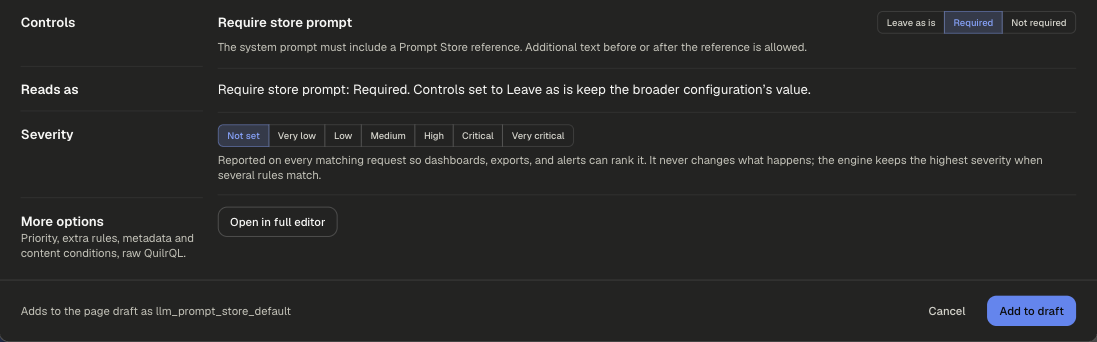
Example
require_approved_system_promptsrequest
runs on requestpriority 600
WhenRequest metadata . environmentisproduction
Then
Require Prompt Store system promptrequired
Production traffic must use a reviewed system prompt; development traffic stays free to experiment.
Scoping and precedence
Highest-priority configuration wins. New configurations start at 500.
Legacy app setting
The app's Prompt Store settings. See Prompt Store.